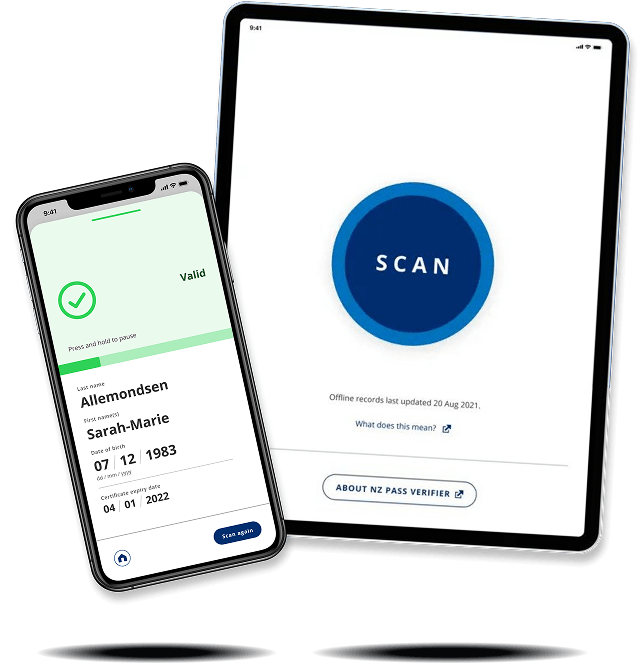
NZ Pass Verifier
New Zealand Ministry of Health · MATTR · 2021Designing a single interaction that works in countless scenarios
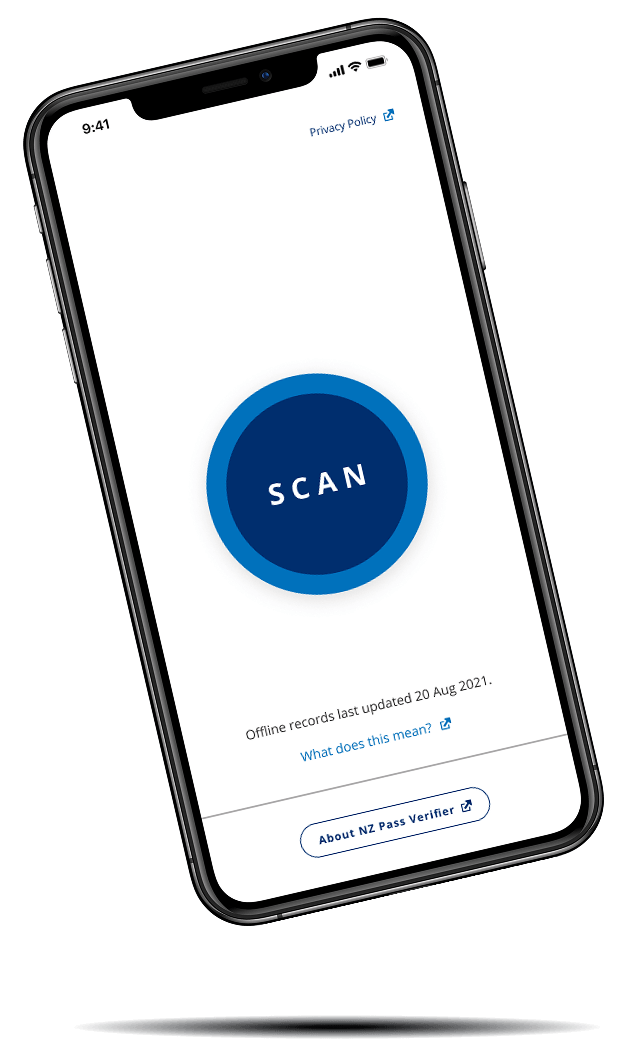
NZ Pass Verifier was the official app for verifying New Zealanders' COVID-19 vaccine passes. It needed to work across a wide range of devices and environments, remain usable with limited connectivity, and be accessible to people with very different levels of technical confidence.
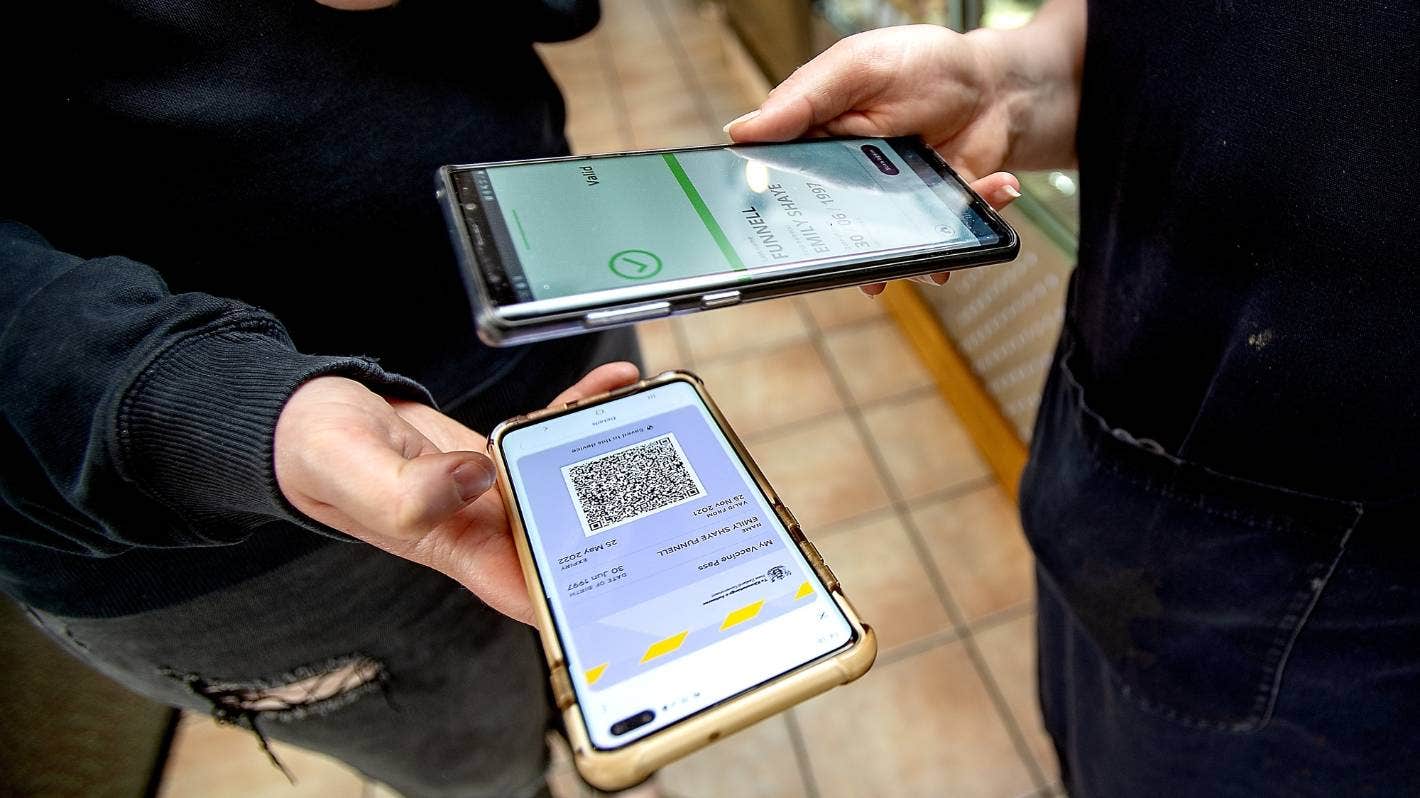
My role
Research · Persona development · UX/UI design · Accessibility testing
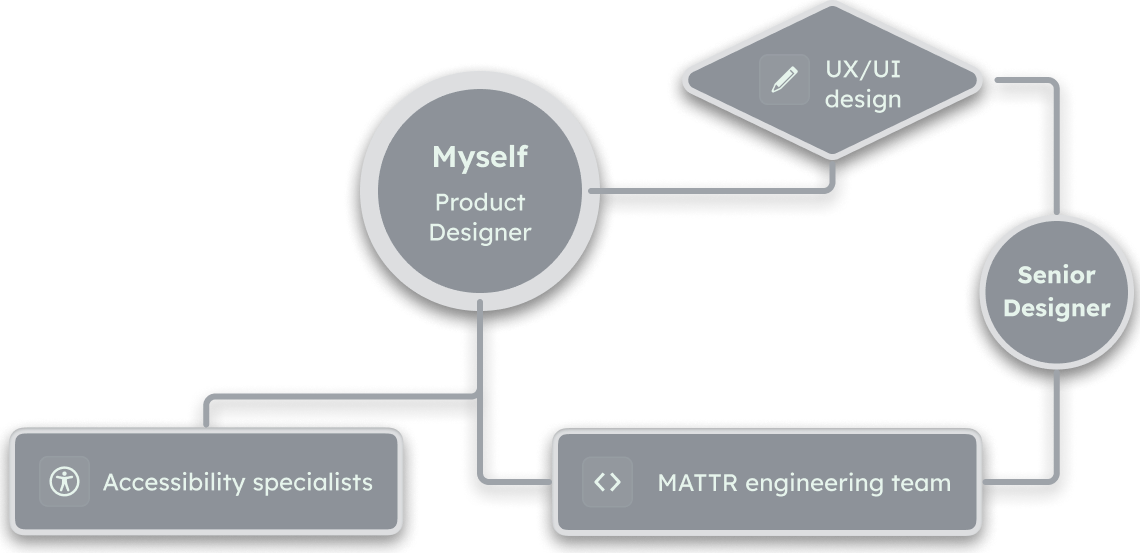
My team
I worked alongside a senior product designer, closely sharing the design and technical responsibilities. Externally, I managed an accessibility audit with Access Advisors and coordinated improvements in response to their findings.
Understanding the challenges
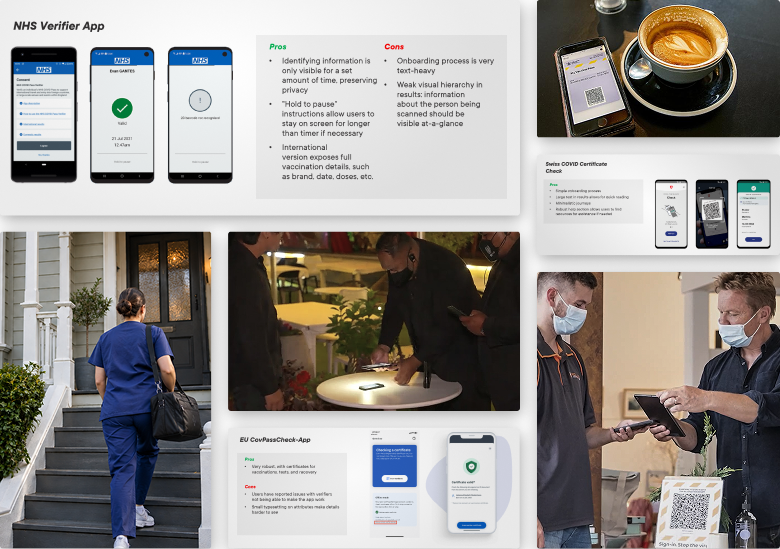
I reviewed similar apps being used in other countries, then developed scenarios and personas based on my findings and the upcoming legislation from the New Zealand government. This helped us understand where the experience would be put under pressure.
Click the images to explore my research.
Case study: Rhythm & Vines
Rhythm & Vines is one of New Zealand's largest music and camping festivals. Exploring this scenario's requirements for the app let us test our ideas against a wide range of demanding conditions at once.
If the experience could work day and night at the R&V gates, that was good evidence that it would work in less demanding environments, too.
High throughput
Thousands arriving over short periods
Low attention
Attendees may be distracted or impaired
Patchy network
Verification can't rely on a data connection
Volunteer operators
Limited time and capacity for training
Personas
Considerations
Human factors
Experience in their role · Tech-savviness
Technical factors
Connectivity · Ease of repetition
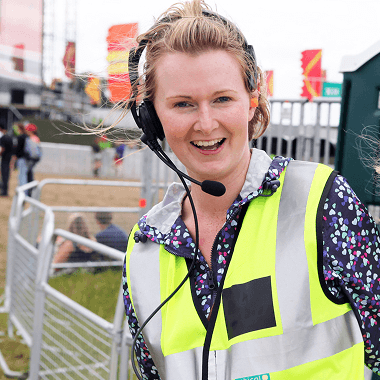
Erika Jacobs
Gate Management Team Lead
R&V staff of 4 years
- Prioritizes a smooth, fast process to keep queues moving
- Appreciates that the app is intuitive enough that new users require little training
- Fears trouble for her team if there are issues with scanning
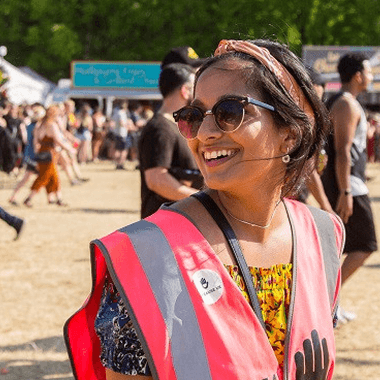
Sunita Halder
Gate Volunteer
R&V attendee of 4 years, first-time volunteer
- Has worked festivals before and hopes the app doesn't slow things down too much
- Tech-savvy and curious: wondered if the features on the app could be expanded to include ticket and drinking age
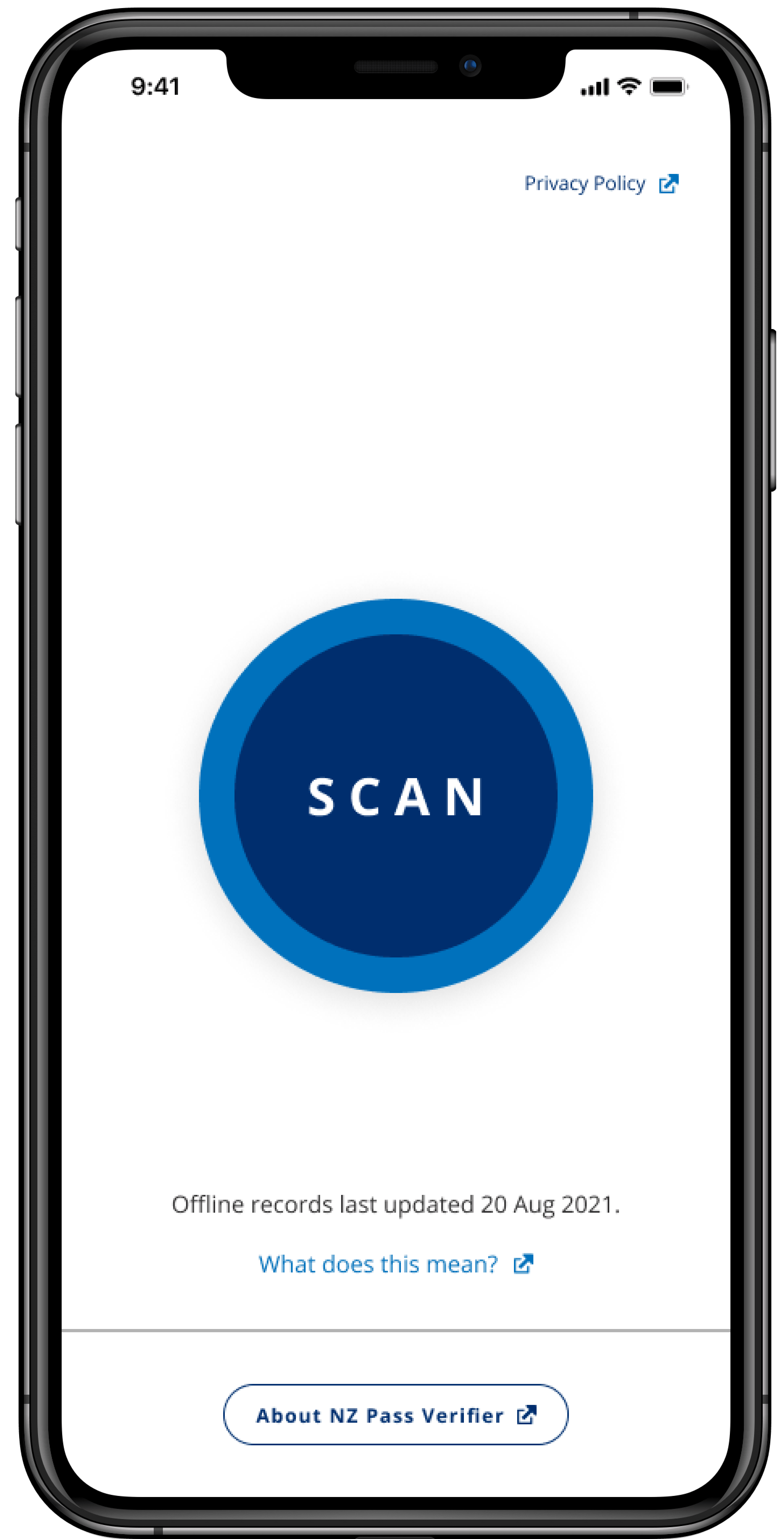
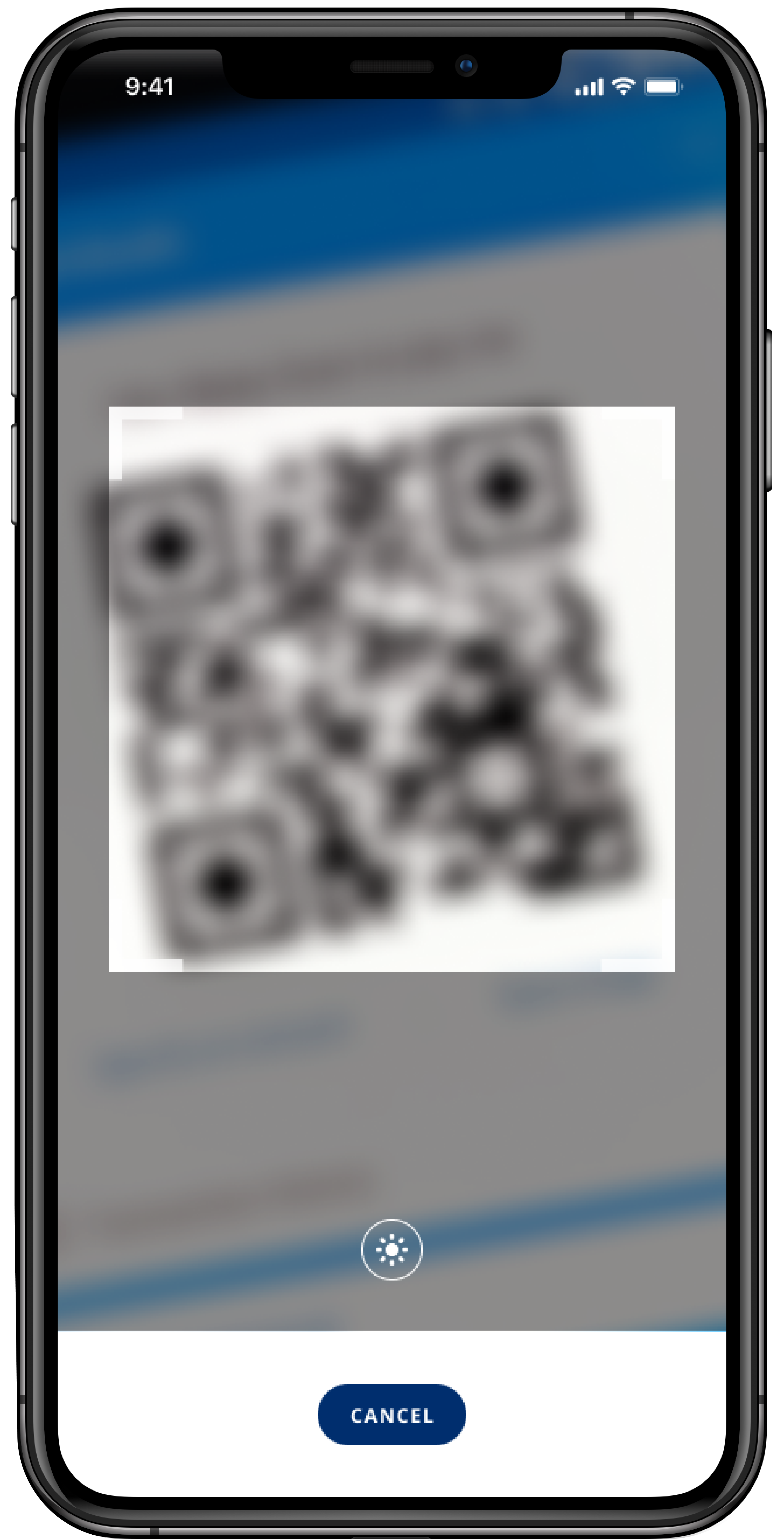
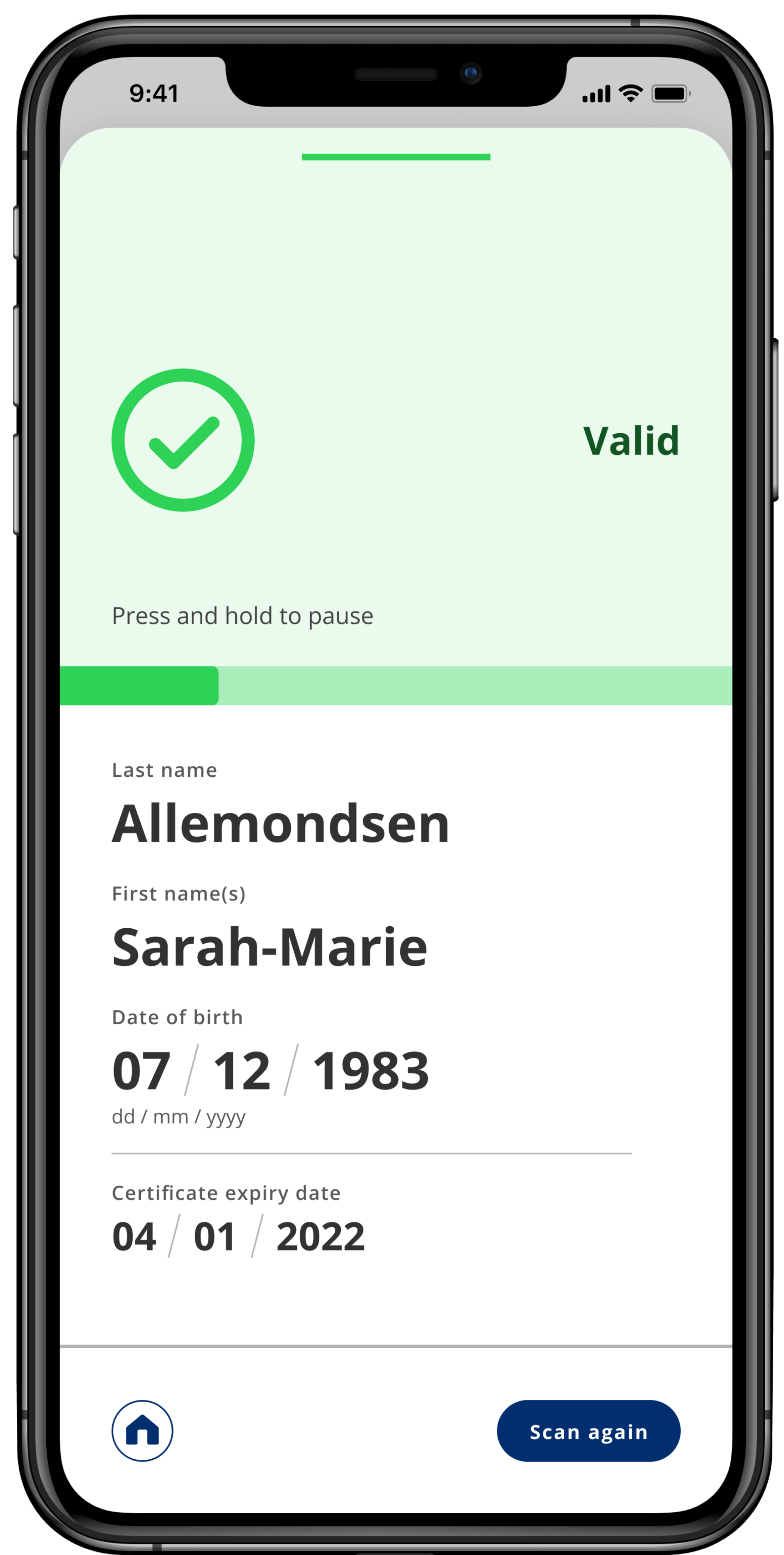
Making complexity invisible
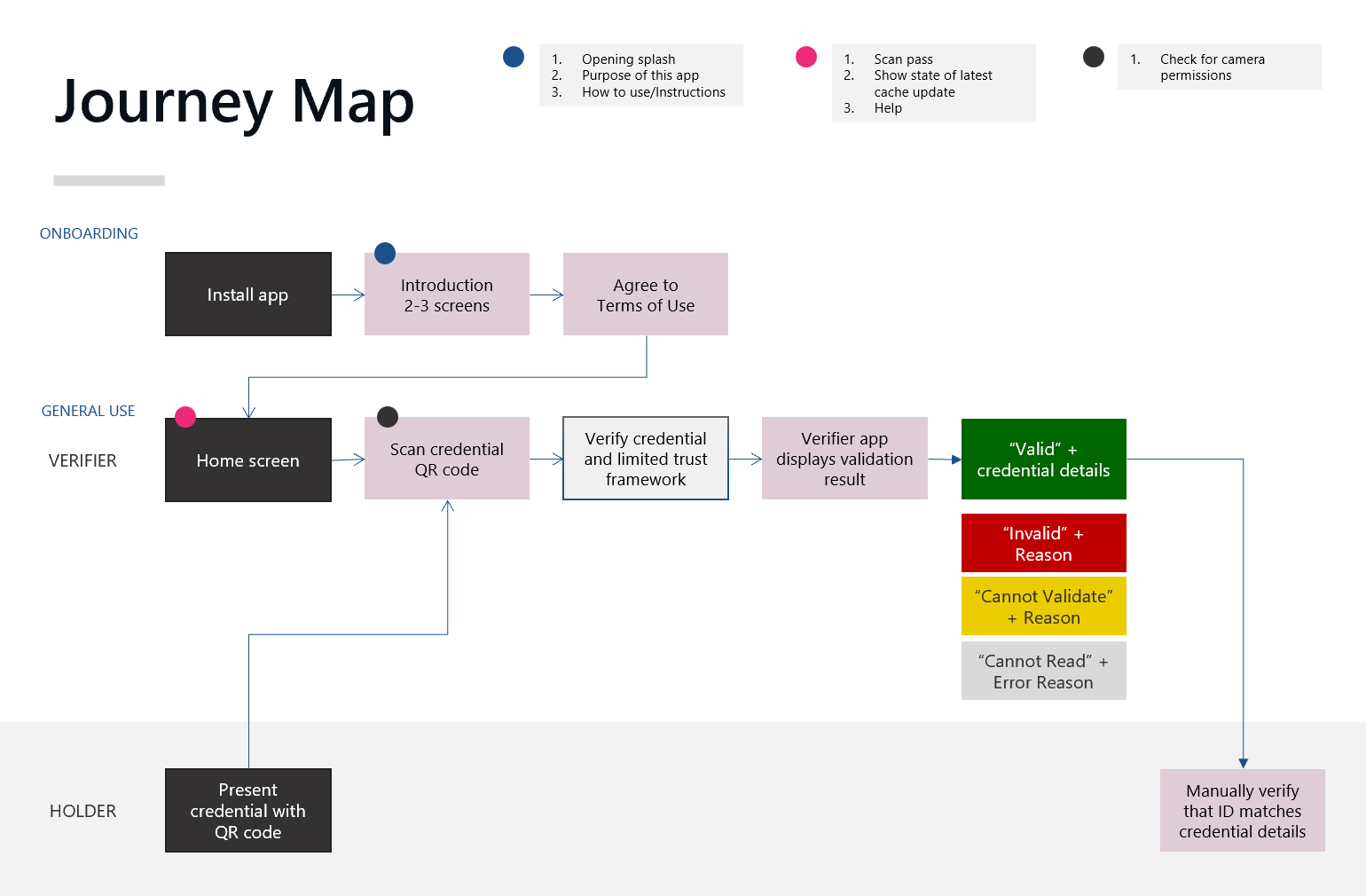
The core journey needed to feel clear and trivial
Highlighting the outcomes
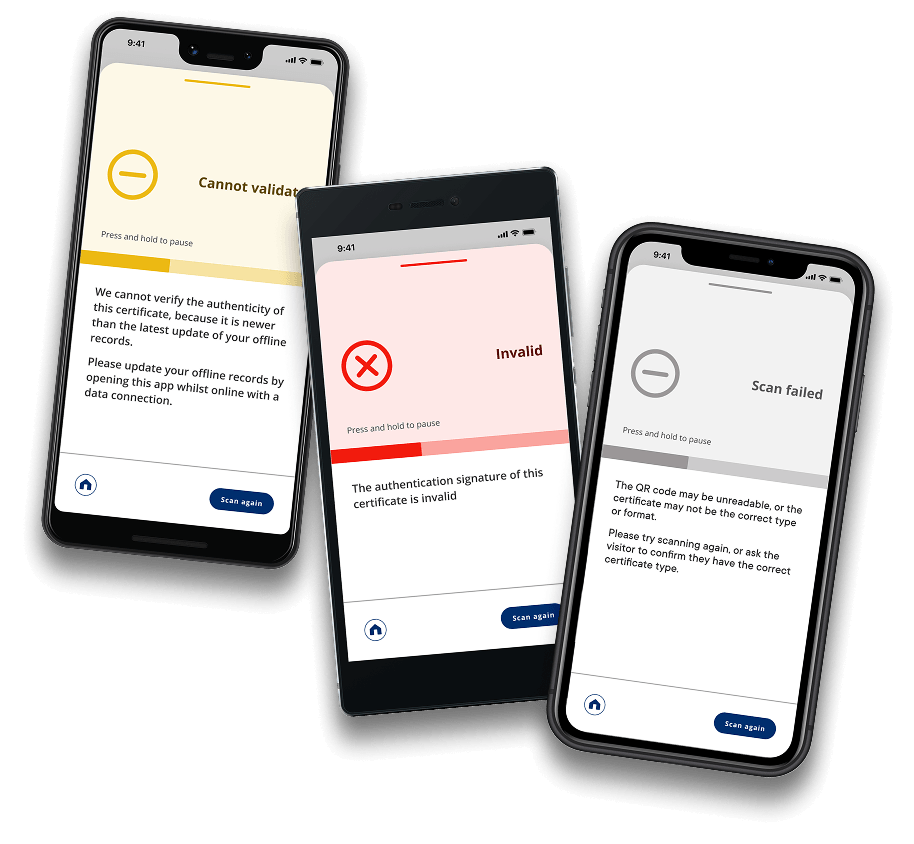
The result screen was one of the most critical parts of the interface to get right.
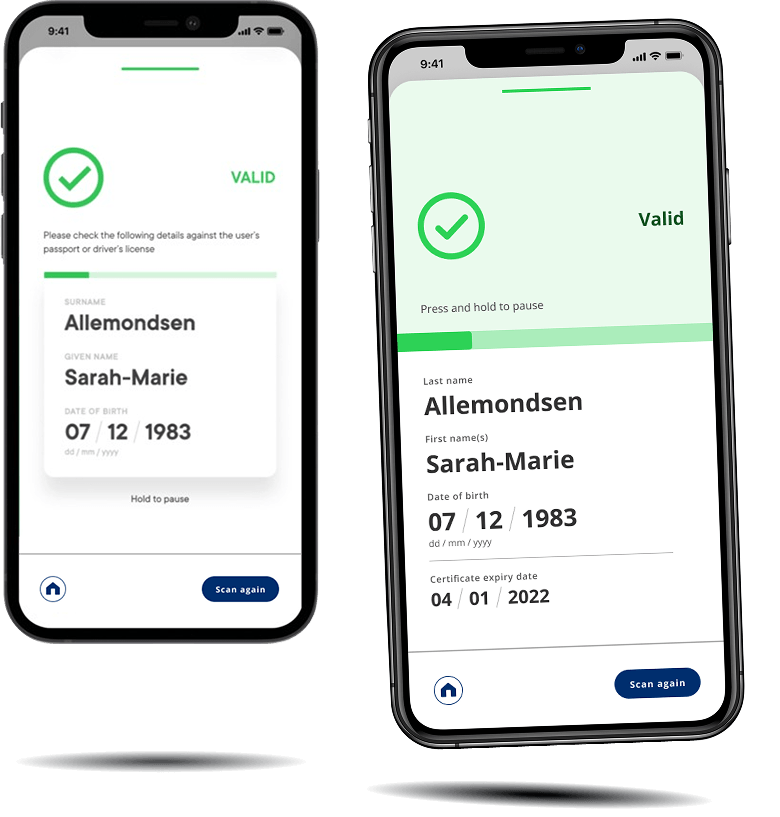
As we iterated, we made the scan results easier to interpret by increasing the coloured feedback area and the height of the timer bar. We also increased legibility by ensuring text colours met the highest accessibility standards (WCAG 2.2 AA).
The final version of the valid result (right) compared to an earlier design
Under the hood
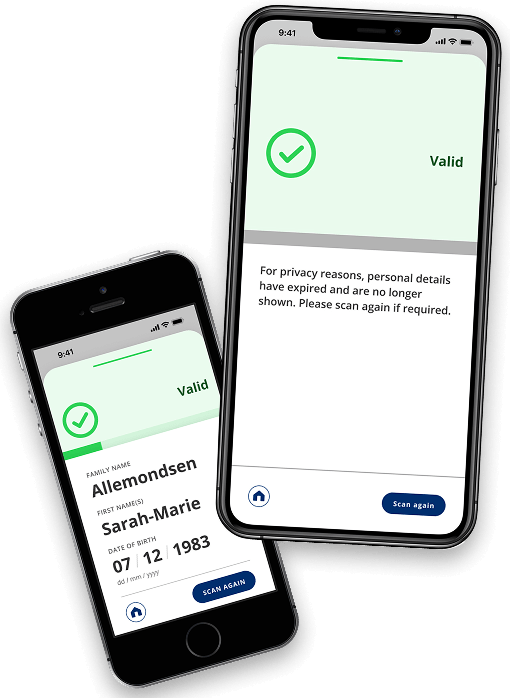
Privacy and device constraints shaped the interaction design. We shared what feedback we could on results screens to troubleshoot unsuccessful scans, while avoiding retaining logs of personally identifiable information.
The results of deliberate minimalism
Ensuring journeys and the UI were lightweight kept the app usable across the widest range of possible device sizes and ages while supporting our goal of a designing simple, intuitive experience.
We handed over the completed work ahead of the required timeframe and NZ Pass Verifier was released nationwide as New Zealand's official vaccine pass verification app.
The external accessibility audit I ran with Access Advisors improved the app's WCAG 2.2 AA conformance from 76% to 88% between two audits, one month apart.